
The Spine Music app
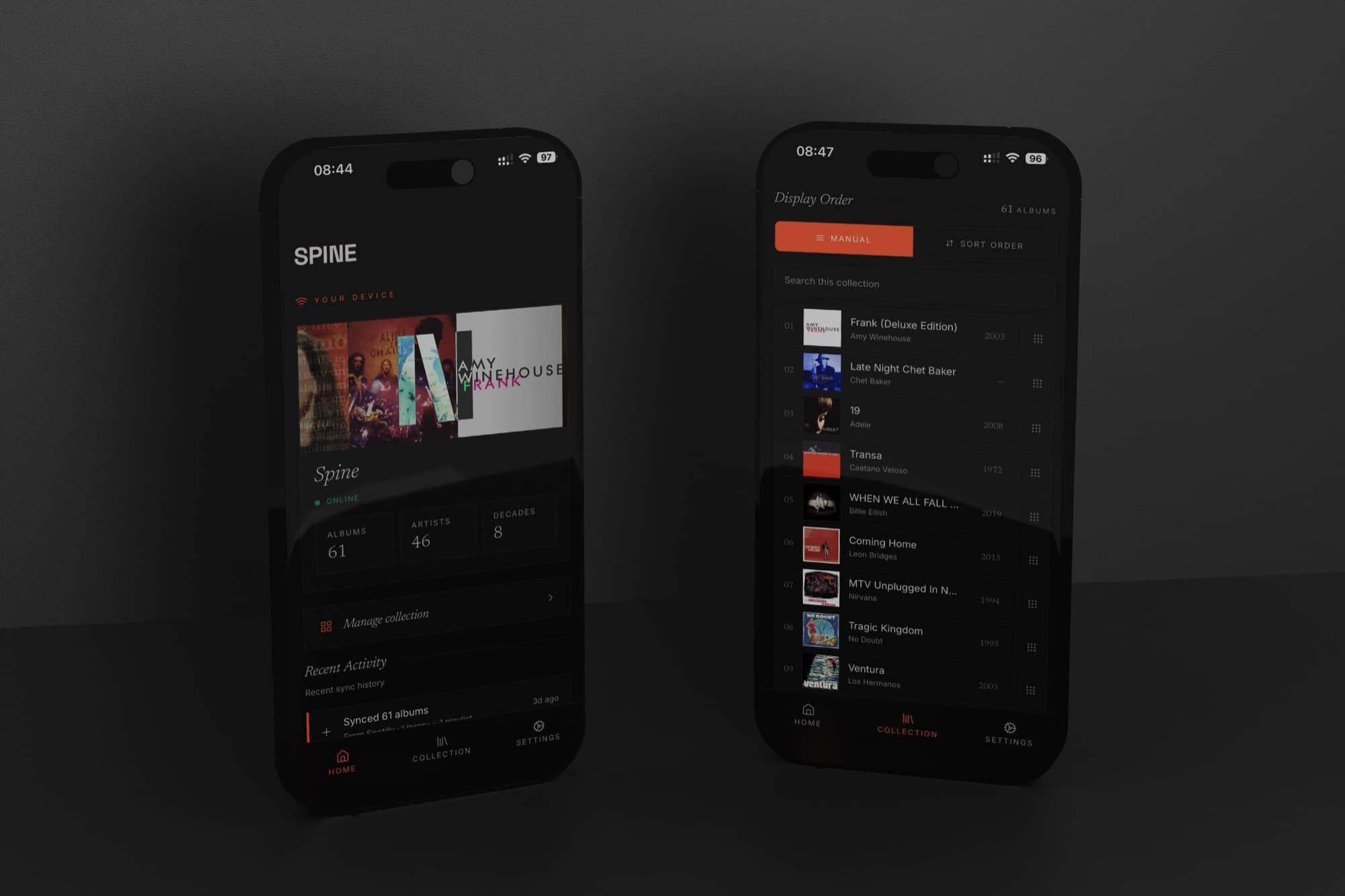
From the beginning, the vision for the display was to do one job really well: show your music collection, giving that physical feeling of having your music back on the wall, like a shelf. That meant little to no interface. So we needed to put all the complexity somewhere else.
The app is where it lives.
We built it native (iOS and Android) rather than as a web app. The reasons aren't philosophical. Tap-to-play, which we covered in the last post, requires a process running in the background, listening on the local network, ready to act. A browser tab can't do that. Once you follow that requirement honestly, native is the only answer.
The app has two jobs. Manage the device. Manage the collection.
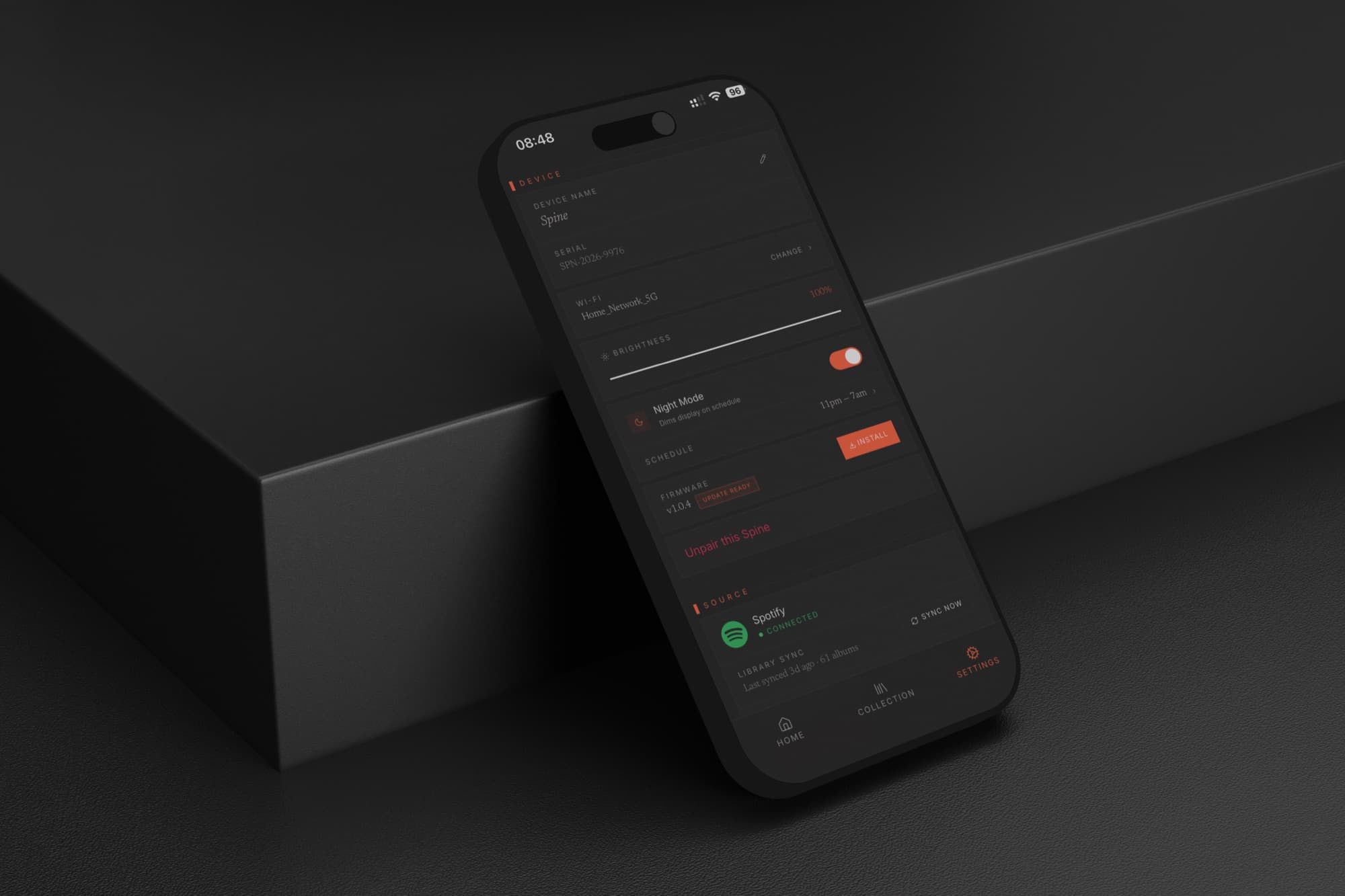
Device management is the expected half. Connect Spine to your Wi-Fi network, switch streaming services, sync again when your listening changes. The display has a built-in light sensor, but sometimes you want manual control: brightness is adjustable from the app. Night mode drops the display to minimum for energy saving and won't light up the room while you sleep.
Collection management is where it gets more considered.
Spine shows your music as a continuous wall of album art. What appears on that wall, and in what order, is entirely yours to control. You can curate it by hand (drag, rearrange, put things where you want them) for anyone who arranges their collection by colour, or mood, or the logic only they understand. Sort by decade. Sort by most recently added, which makes the display reflect what you've actually been into lately rather than your entire archive.
We looked hard at sorting by genre and record label too. Both work, but not reliably enough: metadata inconsistencies, albums that resist clean categorisation, labels with erratic tagging. We'll add them when they work for every collection, not just well-maintained ones.
Filtering is the feature I use most. You can choose which albums show at any given time. Going through a jazz phase, show only jazz. Having people over, switch to the records you actually play for guests. Late night, a quieter subset. Spine updates the moment you change it.
Most people have strong opinions about how their music should be organised. It was important to me that Spine actually respected that.